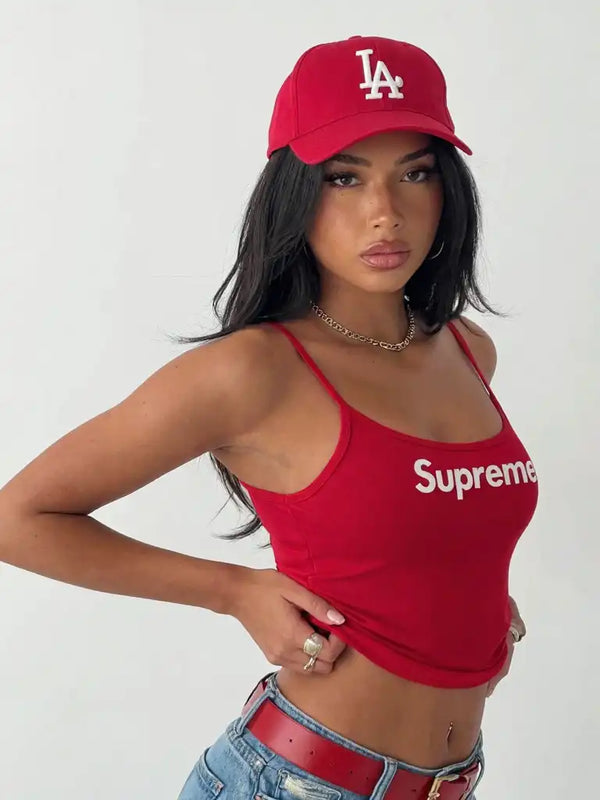
01Visual result
A consistent identity that can produce different posts while keeping the same character.

Content notice
This page contains material and references intended for adults only. Confirm that you are 18 or older to continue.
100% AI-generated
The entire process in one system: consistent identity, images, video, ComfyUI, LoRA, Motion Control, and growth. Without showing your face or buying a powerful PC.
One-time payment · Hotmart · Course access
Choose Banco Guayaquil or Banco Pichincha. We send the payment details through WhatsApp and activate access after verifying the payment.
What you will learn to do:
See the result first. Then learn the process behind it: identity, workflow, motion, publishing, and monetization.

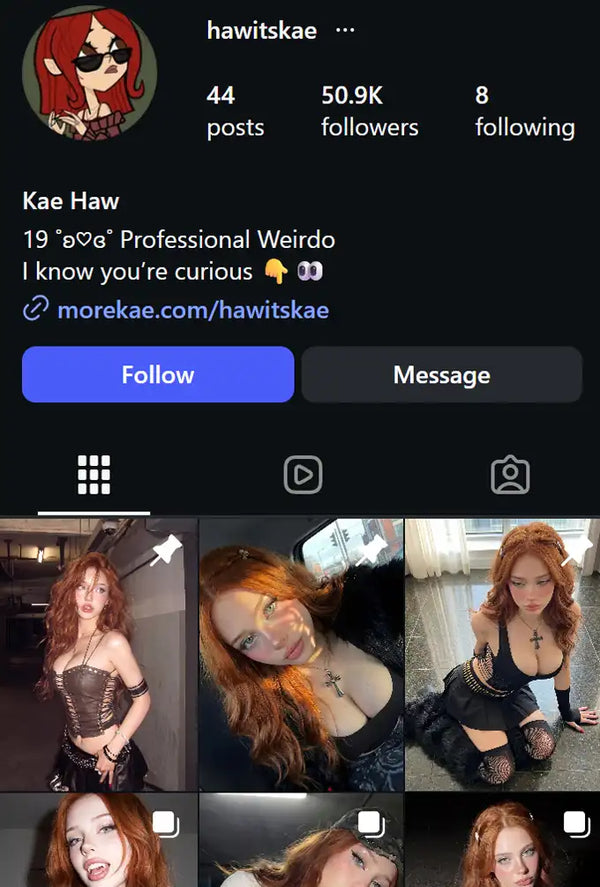

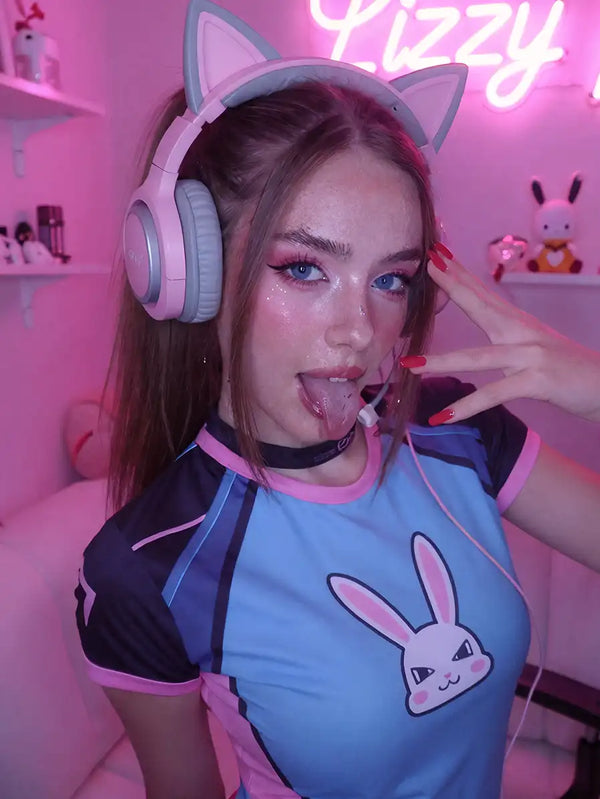


See how the system connects three key pieces: a consistent visual identity, an account built around the character, and the workflow that makes the process repeatable.
A consistent identity that can produce different posts while keeping the same character.
Profile, posts, and audience working as one brand around the character.
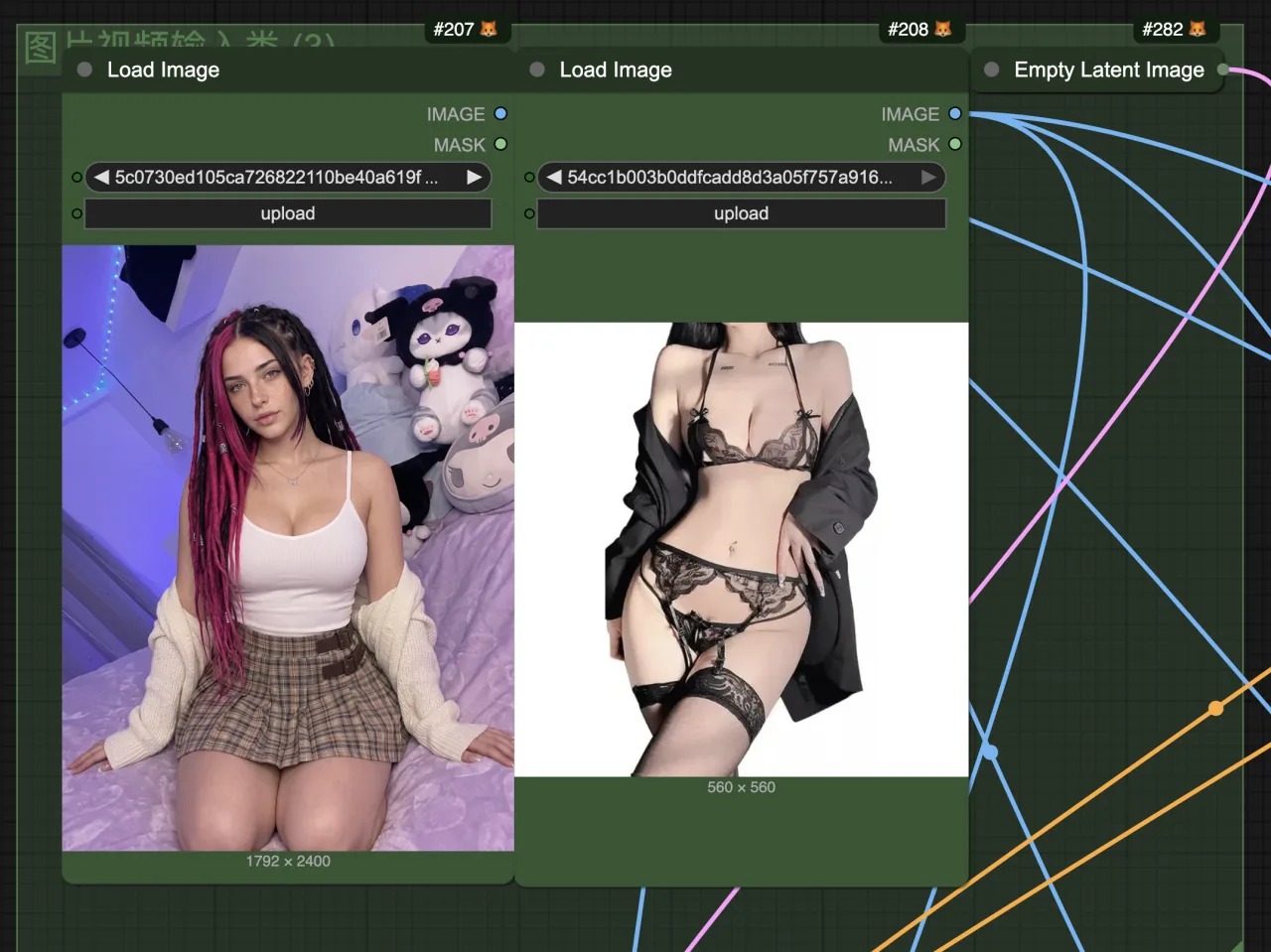
It is not just a pretty gallery: inside the course you learn how to use the workflow that produces the content.
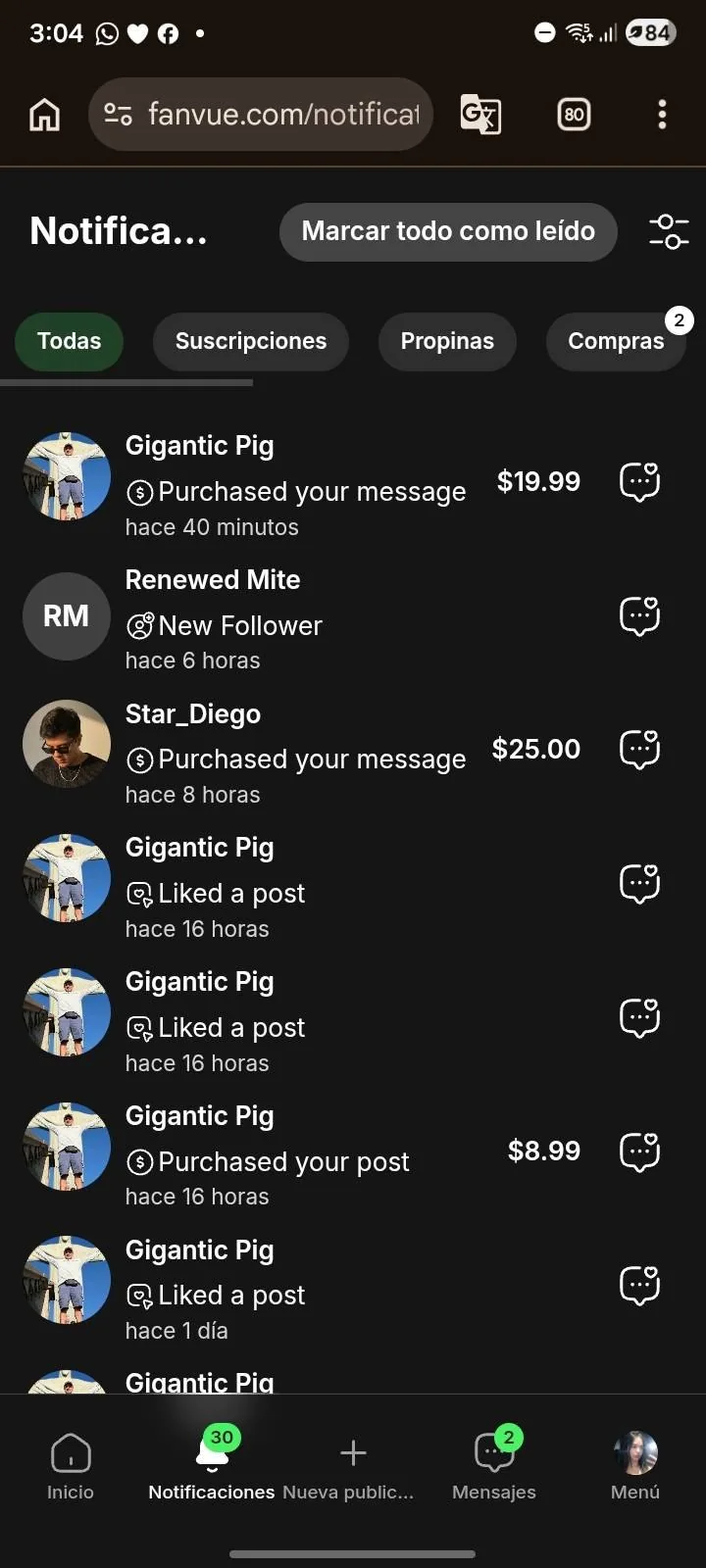
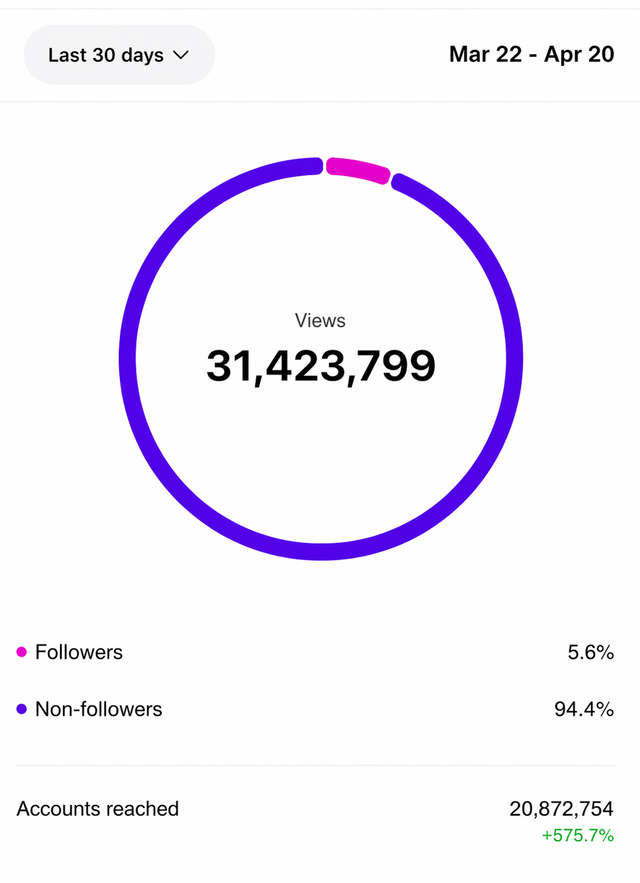
Social traffic → scalable content → monetization on a platform that supports AI creators.
You can find free tutorials for ComfyUI, LoRA, or video. The hard part is knowing what to use, in what order, and with which settings to build a repeatable process.
 Result
The system connects five pieces: character → content → video → growth → monetization. AI reduces much of the production workload so you can focus on building an account and an offer.
The goal is not to produce isolated images: it is to turn content into an account with identity, audience, and multiple monetization paths.


First you build the identity. Then you produce, distribute, and connect that attention to an offer.
Define a recognizable and consistent identity so the character feels like the same person in every post.
Generate images, variations, and videos from workflows you can reuse.
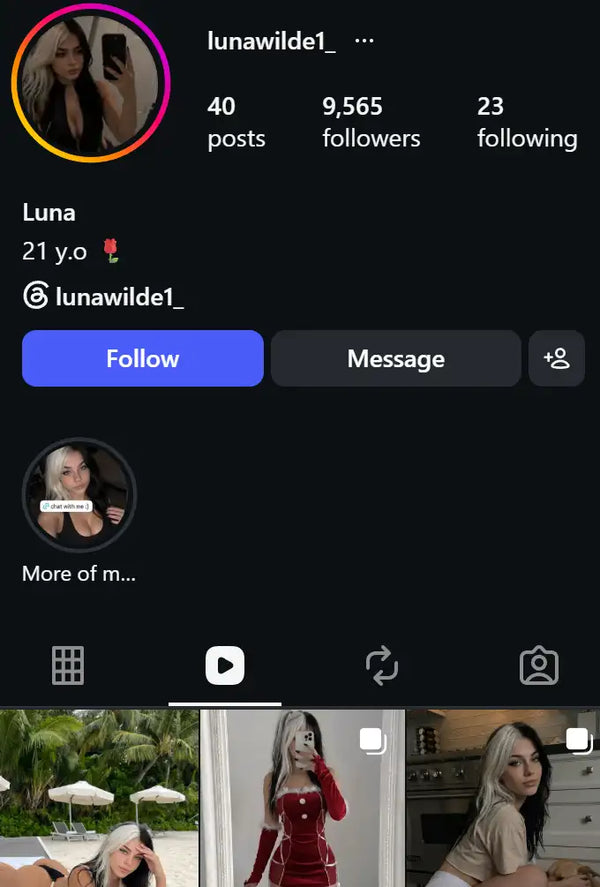
Turn content into a coherent account, test formats, and learn how to drive traffic.
Connect attention to subscriptions, PPV, tips, and other offers allowed by the platform.

The value is having the pieces connected in the right order, so you move from “what do I do now?” to a clear sequence of work.
Secure payment with HotmartCheckout processed by a recognized payment platform.
7-day guaranteeSubject to the guarantee policy configured in Hotmart.
Lifetime accessCourse, workflows, resources, and future updates.
Material organized by modulesClasses, workflows, prompts, and resources brought together in one platform.
You get the course, workflows, prompts, and guides organized in the same order you will use them: create, produce, publish, and monetize.




12 current lessons + 3 previous lessons included, organized into a practical path covering installation, generation, editing, LoRA, video, Motion Control, and production.
Learn to turn references into your own content, control the process inside ComfyUI, and repeat a production formula without starting from scratch every time.
Images and clips created with the processes taught inside the platform.
Drag to explore · Images and video · AI generation
Each comparison pairs the correct reference with its AI result. The motion is preserved while the character, look, and environment can change.
See how a motion reference can become a new piece while preserving rhythm, gesture, and intent.
Consistent face, lighting, skin, and movement so the character feels coherent across different pieces.
The operational advantage of an AI creator is producing variations without arranging a physical shoot for every post. These examples show different styles and clips that can feed social media, campaigns, and premium content.
(Generated with the workflows included in the kit)
See how a conversation can progress toward gifts, paid content, PPV, and subscriptions within a real monetization operation.
Examples of interactions that end in gifts, paid content, and PPV.
Examples of economic activity generated around an account and its audience.
GPU VRAM
12 GBSystem RAM
32 GBVRAM is your graphics card memory. RAM is your system memory. For running AI locally, VRAM is usually the main limitation.
Unified memory
16 GBApple Silicon uses unified memory: the CPU and GPU share the same memory pool. That is why it cannot be compared directly with dedicated NVIDIA GPU VRAM.
Open PowerShell or Command Prompt, paste this command, and look for the GPU memory value:
nvidia-smi --query-gpu=name,memory.total --format=csv,noheader
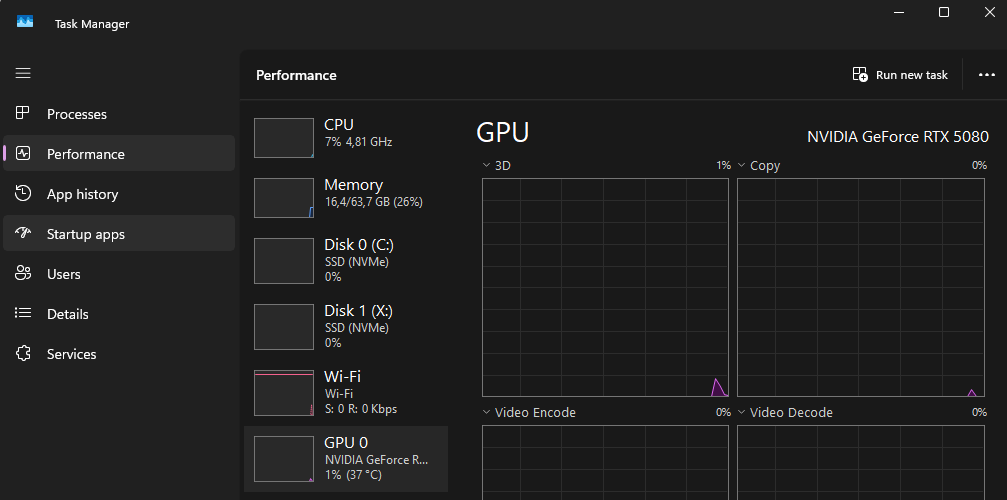
If that command is not available, open Task Manager → Performance → GPU and look for “Dedicated GPU memory.”
Apple Silicon Macs do not have separate dedicated VRAM. The CPU and GPU share the same unified memory.
The easiest way to check it is: Apple menu → About This Mac → Memory.
You can also open Terminal and run:
system_profiler SPHardwareDataType | grep "Memory"
Important: 16 GB of unified memory is not the same as 16 GB of dedicated NVIDIA VRAM. macOS, the CPU, and the GPU share that same memory, so the GPU cannot use all of it.
One-time payment · Hotmart · Course access
Want to see exactly what you will learn before buying?
What is included:
You will learn to:
You will have access to direct support whenever you need help.
Yes. It is your own system. No one else decides what you can create with it.
No. With cloud GPUs, you can run the entire system from almost any computer.
Usually just a few dollars for a complete generation session, depending on what you are creating.
No. You pay once and keep access forever.
No. Everything is explained step by step and designed for beginners.
Yes. Since you can use cloud GPUs, your operating system is not a problem.
It is optional. The main system is designed so you can run free models yourself.
You do not need to assemble the system from scattered pieces. Inside Imperio IA you already get the main stack, the AI1 RunPod template, links, 7 workflows, 38 example prompts, resources, and the setup path. If your PC is not powerful enough, you will also learn how to run the environment in the cloud when needed.
That is fine. The path starts with installation and setup and takes you through generation, editing, datasets, LoRA, Motion Control, and production. You do not need prior ComfyUI experience or to rebuild the system yourself.
No. The system focuses on building and operating a virtual character. You decide how much you want to appear publicly in your project.
No. You learn creation, distribution, and monetization processes, but earnings depend on your execution, offer, audience, market, and platforms.
When you see the special $5 offer, yes. You can choose Hotmart or open WhatsApp to request the bank details. Transfer access is activated manually after payment verification.
Imperio IA
Practical training to create AI virtual models, produce consistent content, and understand how to turn an audience into a digital offer.